
So today my new Samsung SyncMaster 2233bw monitor arrived. I ordered it exactly one week ago and it is here already, now that is really fast. The last time i ordered something from Pixmania it took about 4 weeks!, but that delay was caused by the high amount of packages that were being sent since it was Christmas time.
Shortly after i arrived home from college today i got a phone call, it turned out to be the DHL delivery man, he was looking for directions. It was great i had’nt expected it to be delivered today, I had thought it might of come on friday. So i got the package after signing for it and straight away begun to open it 😀
From the appearence of the box it didnt look like it was going to be very big, but by the time i had it opened and set up it looked pretty big and impressive. But once it was finally switched on, i really noticed the difference. The screen resolution is 1680 x 1050 pixels.It is really bright and displays the different colours brilliantly. Also it is 22″ in size and and has built in features such as MagicBright, MagicColor and so on. Also it has a built in sleep timer so it wont be wasting any power, you just simply set how long you want before it shuts off, simple 🙂
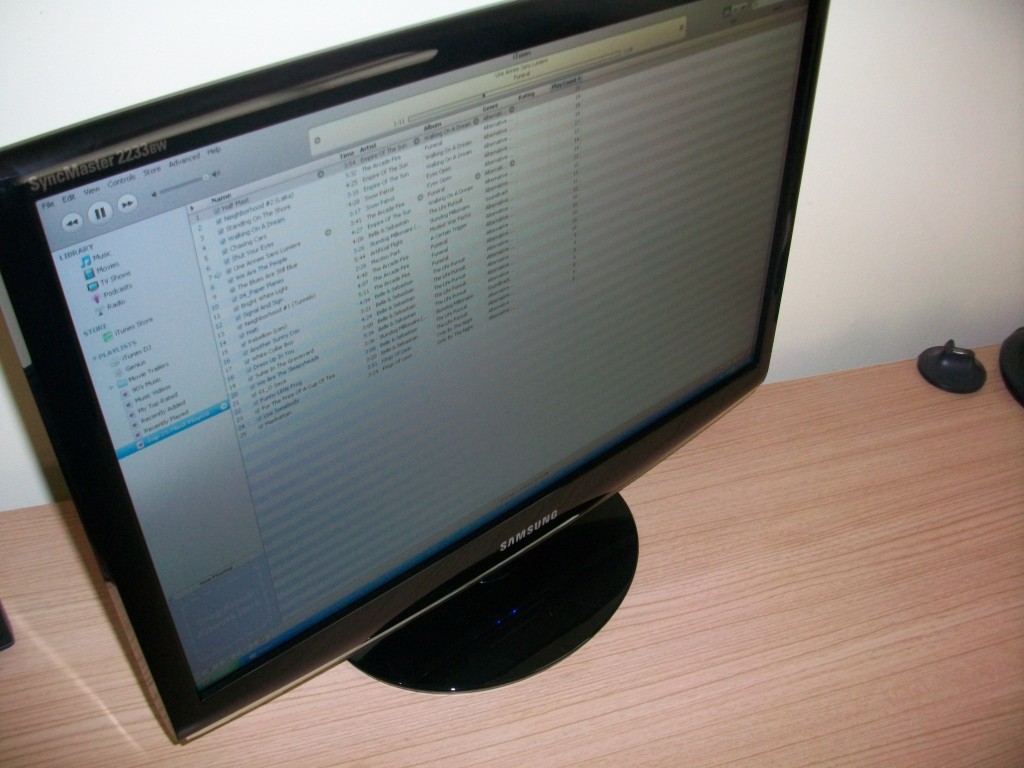
So in the box was the monitor (Obviously), a VGA cable, a DVI cable, power cord, cleaning cloth, manual, warranty card and a driver disc. It was really easy to set up and was definitly worth the €169 that i paid 😀
When i was going to order this new monitor i wanted one that had support for DVI, i recently noticed that i had a port for a DVI connection and decided that when i was going to change the screen that i would like it to support DVI, since DVI outputs a higher quality picture. Up until now i have been using the VGA cable, which is basically standard with most monitors. Also i kept in mind that i wanted the new monitor that i ordered to be in widescreen format, because i was getting tired of my old monitor, it was square and when you are looking at a monitor all day, it is best to have a nice big screen with a really crisp picture 😀
So I would definitly recommend buying this monitor, all of this for only €169, it is definitly worth it. You can get it over at Pixmania.
Pingback: April 2009 Review - Leateds.com